AI governance

See and control what your company spends on AI.

Give employees and internal apps one endpoint for OpenAI, Anthropic, Gemini, and Azure OpenAI. Your provider keys stay in the gateway, and every person gets their own key, an allowance, and a line in your usage report.

AI Setup

Roll out AI in four steps.

  1. Connect providers

    Paste each company API key once and list the allowed models. Keys are encrypted and never shown to employees.

  2. Choose who gets access

    Open a provider to everyone or to selected groups. People who join a group later get access automatically.

  3. Set allowances

    Give each person the same amount, share a company pool, or vary it by group or tier. Or just track usage.

  4. Employees connect their tools

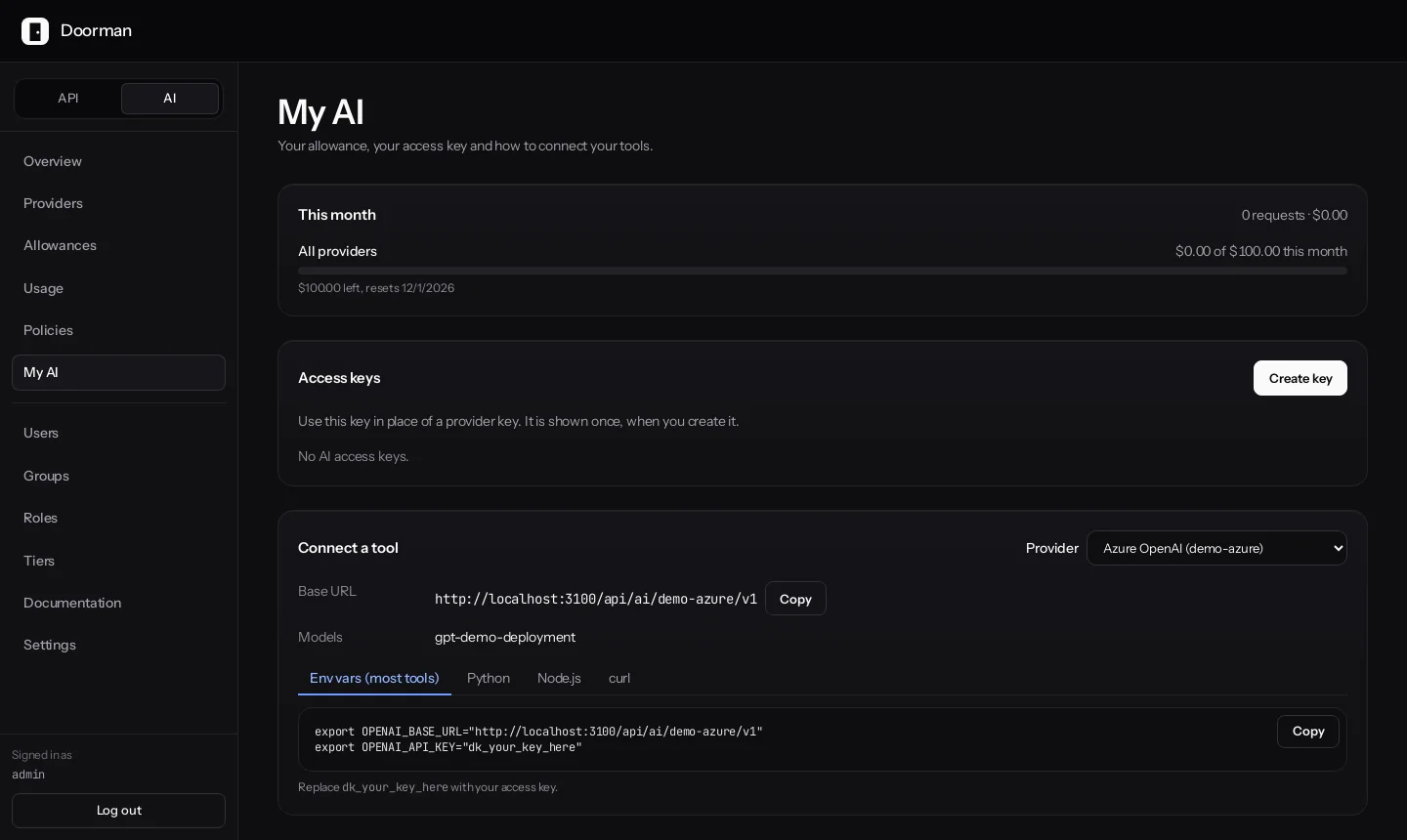
    Each person opens My AI, creates a personal key, and copies setup for their tool, with the base URL already filled in.

Connect

Point the SDK at Doorman.

Swap the base URL and API key, and calls keep working with the provider's official SDK. Doorman handles the provider key and records the usage.

Python
import os
from openai import OpenAI

client = OpenAI(
    base_url="https://gw.example.com/api/ai/corp-openai/v1/v1",
    api_key=os.environ["DOORMAN_AI_KEY"],
)

Spend

See who spent what, on which model.

Split spend by employee, group, role, tier, provider, model, or API, then export metadata to CSV for chargeback. Built-in prices cover current OpenAI, Anthropic, Gemini, and Azure OpenAI models, and your negotiated rates override them.

  • Spend, tokens, and requests by date range
  • Cache reads and writes tracked separately
  • Estimated and unpriced requests are marked
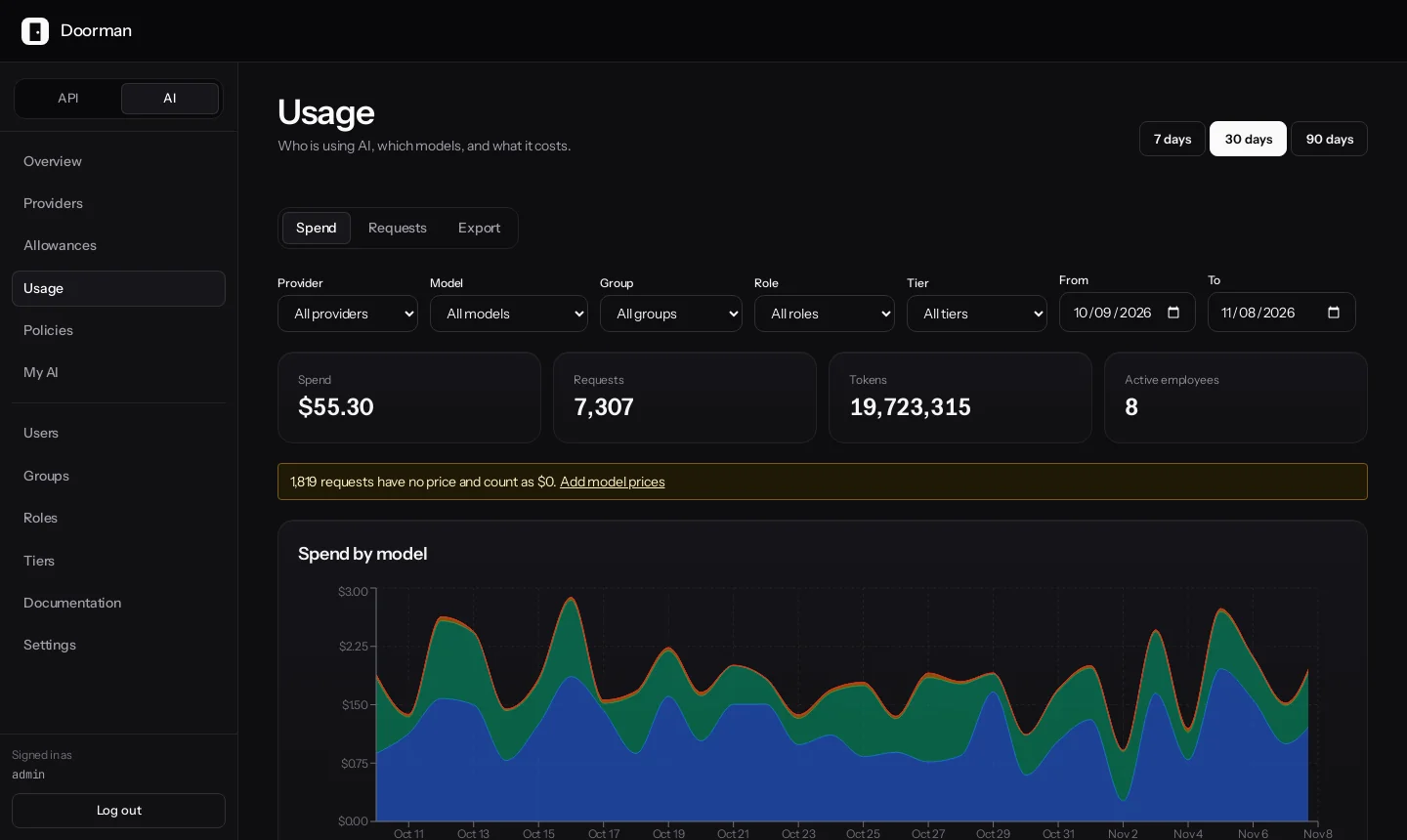
Doorman AI usage page with filters and a chart of spend by model

Self-service

Give people their own key, not the company’s.

Employees see their allowance, what’s left, and when it resets. Their personal key is shown once and can be revoked without affecting anyone else, while your provider keys stay in the gateway.

  • Copy-paste setup for env vars, Python, Node.js, and curl
  • Optional key expiry from 1 to 365 days
  • Model allow-lists with exact IDs or a trailing *
Doorman My AI page with allowance, access keys, and tool setup

Guardrails and logging

Decide what can reach a provider, and what you keep.

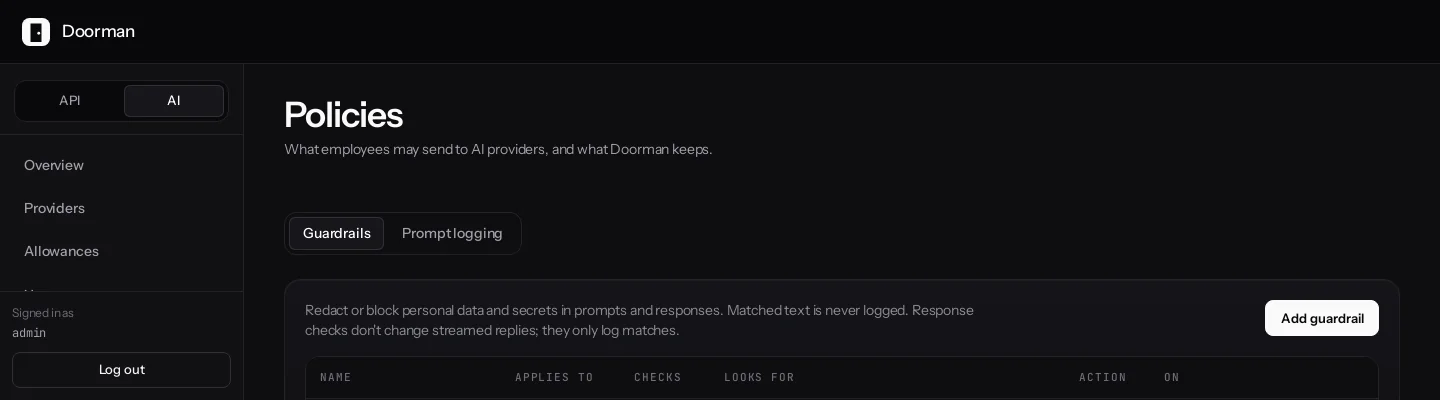
Detect emails, US Social Security numbers, credit cards, AWS keys, private keys, generic API keys, and your own patterns. Redact, block, or log the match, and test in dry-run first.

  • Prompt logging defaults to metadata only
  • Full logging is encrypted and requires an employee notice
  • Retention from 1 to 3,650 days, 30 by default
Doorman guardrails policy that redacts secrets and email addresses

Allowances

Set limits that match how you budget.

Limit by
US dollars, tokens, or requests
Periods
Minute, hour, day, week, or month, in UTC
Applies to
One person, a group, a tier, one AI API, or everyone
At the limit
Block, warn, or downgrade to a cheaper allowed model
Several apply
Every matching allowance is enforced
Blocked request
HTTP/1.1 429 Too Many Requests
Retry-After: 2073600

{
  "error_code": "AI004",
  "error_message": "AI budget exceeded",
  "budget": "Engineering monthly",
  "period_resets_at": "2026-12-01T00:00:00Z"
}

Know before you roll out

What Doorman does not guarantee today.

If you set a $500 monthly allowance, you should know exactly how it behaves. These are the limits of this release.

Allowances are soft limits
Doorman checks the counter before a request and charges actual usage afterward. Nothing is reserved up front, so concurrent requests can all pass the check and take spend past the limit.
Checks fail open
If the store holding usage counters is unavailable, requests continue and the problem is logged. Requests are not blocked.
Unpriced models count as $0
A model with no built-in or custom price adds nothing to a dollar allowance. Token and request limits still count it, and the dashboard flags unpriced requests.
Streaming output guardrails only log
Input guardrails and non-streaming output guardrails can redact or block. On streamed replies, output guardrails record matches but cannot stop content reaching the caller.
Some APIs are out of scope
Files, batches, fine-tuning, realtime, assistants, image generation, and native Vertex AI and Bedrock are not supported in this release.
The AI gateway is new
It first shipped in version 3.0. Expect it to change between releases, and read the release notes before upgrading.
Read the AI gateway docs

04FAQ

Questions about AI governance.

Can't find your answer? The documentation covers setup, operations, and the AI gateway in detail.

Read the documentation
Does Doorman supply AI provider keys?

No. Every provider credential belongs to your organization, and your provider bills you directly. Consumer subscriptions such as ChatGPT Plus and Claude Pro are not supported.

Do my developers have to change their code?

For supported operations, usually just the base URL and API key. They keep using the official OpenAI, Anthropic, and Gemini SDKs, and provider errors keep their native format.

What happens when a provider goes down?

You can configure backup keys or servers. Doorman moves a request to a backup on a 502, 503, or 504, a first-byte timeout, or an unreachable provider, but only before anything has been sent to the caller. A 429 is returned to the caller and never moved to a backup.

Can I see what employees are typing?

Only if you turn it on. The default level stores metadata, and None disables content-related details. Full logging stores encrypted prompts and completions, and needs a notice that every user sees. There is no bulk export of prompt and completion pairs.

Find out where your AI spend is going.

Start with usage tracking and no limits, see the numbers, then decide which allowances you need.